QR Tag Setup Guide


QR Tag not assigned
Follow the setup guide below to assign it in the Sticky Manager App.
QR Tag Setup Guide
What is this tag for
Dine-in tags placed on a table. Guests scan to call staff, and each tag must be bound to one table.
1
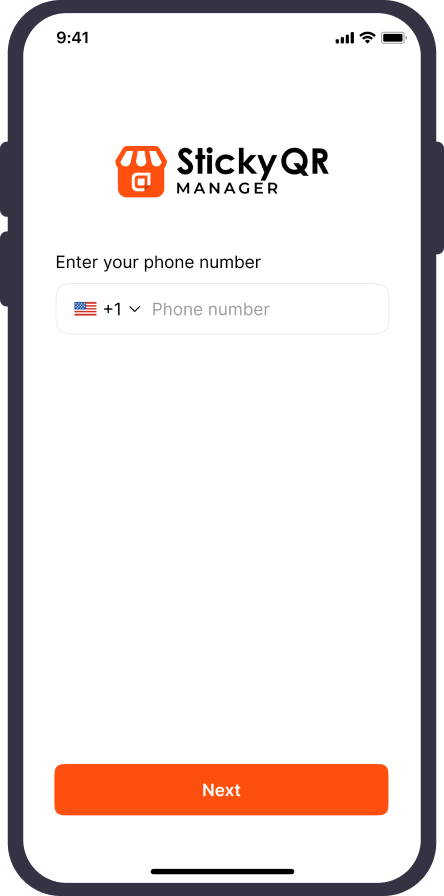
2
Go to Call Button™ and find your table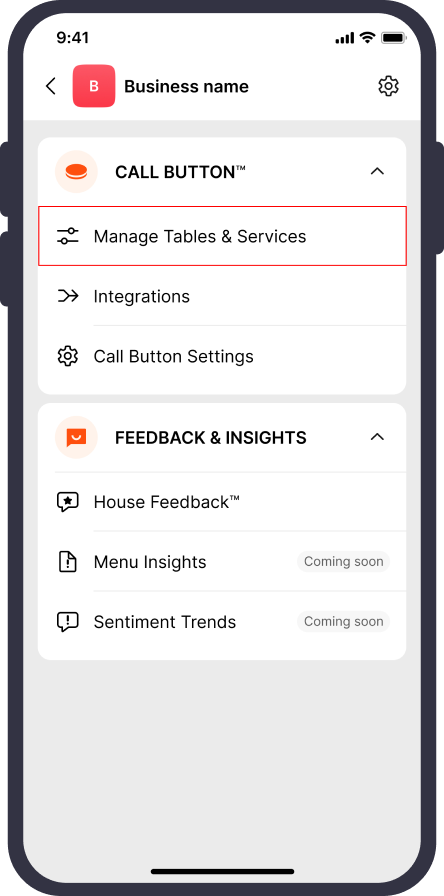
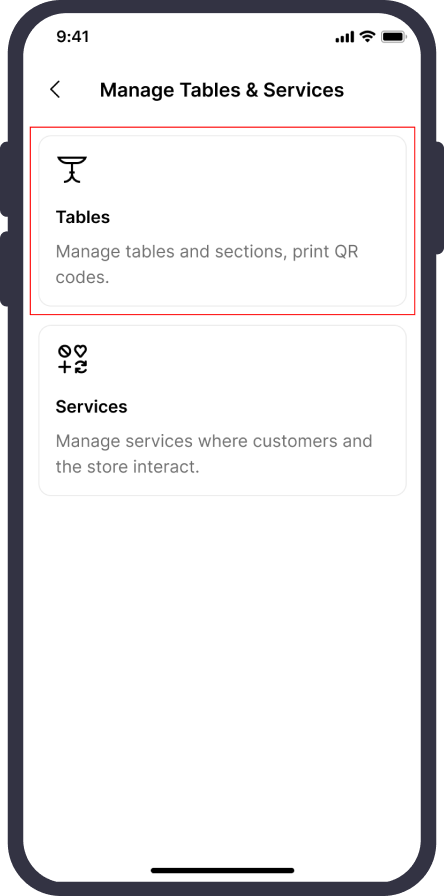
Open the table you want this tag to belong to.
Menu›Call Button™›Manage Tables & Services›Tables›Select your table
3
Scan this QR Tag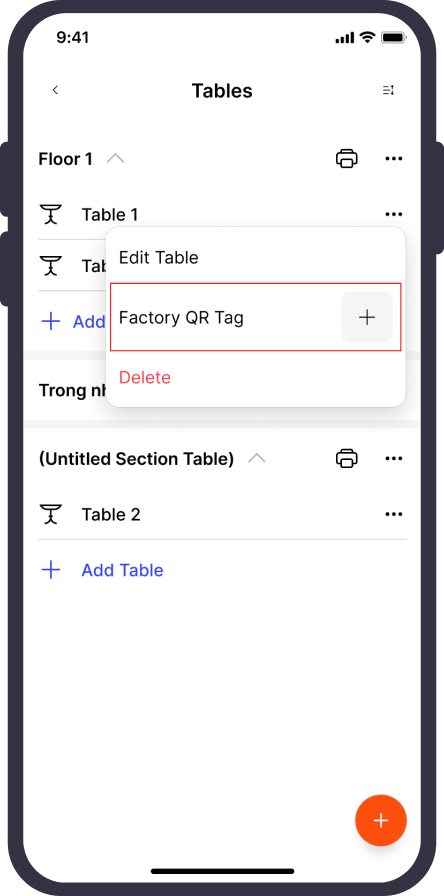
Tap "Assign factory QR Tag" on the table detail screen and point the camera at the tag in front of you. The table name appears on the tag page right away.
Quick Tips
 Use clear table names (e.g., Table 01, Table 02...).
- Assign QR Tags in the app before placing them on the physical table.
- Assigned to the wrong table? You can reassign it anytime in the app.
FAQ · CALL BUTTON™
Common questions when the QR Tag has not been set up
No. Scanning & assigning can only be done in the Sticky Manager App.

Need help?
If the QR Tag page doesn't appear or the scan doesn't work, verify that you are logged into the correct business/location. The Sticky team is always ready to help if you have trouble setting up.
Contact Sticky SupportQR Tags for Dine-in • Call Button
©Sticky.
Terms & Privacy